 Originally published on Medium
Editorial correction, 10 October 2026: The earlier article claimed schema produced a 44% increase in AI citations and improved LLM discoverability by 67%. We could not substantiate those figures and have removed them as recommendations. We also removed unsupported claims about competitors, platform defaults and guaranteed citation gains. This corrected website edition retains the original URL and publication date; the Medium edition may differ.
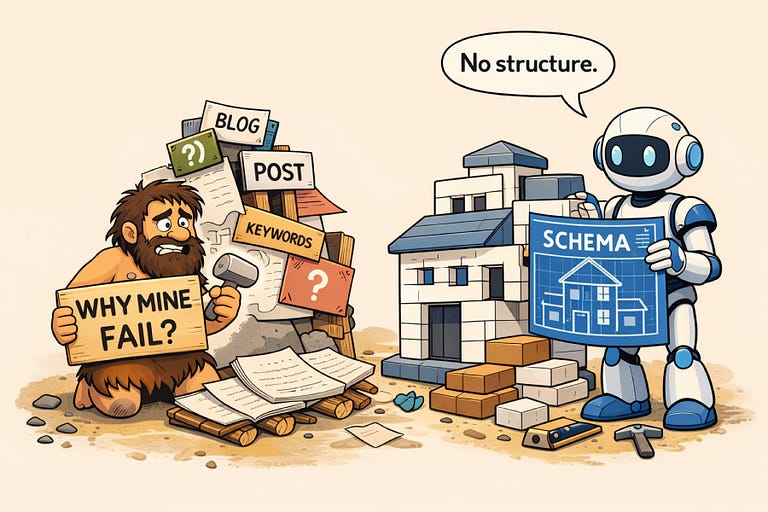
Schema markup is a labelled description of information on a page. It can provide useful context, but it cannot make an inaccurate or unclear page reliable. Start with the visible information, inspect what your page already returns, then decide whether markup would help.
What does schema actually do?
Schema.org provides names for things such as an Organization, Article or VideoObject and their properties. JSON-LD is one way to put that description into a page. It is separate from the visible text your visitors read.
For example, an article about preparing for a first coaching session can have Article markup containing its headline, real author and publication date. Those details should agree with the published article. Do not invent credentials or change the update date to make old information appear fresh.
Accurate markup can support search systems that use it. It does not establish whether a particular AI service read your page, understood it correctly or will cite it. Missing schema alone is not proof of a visibility problem.
Choose useful markup, not a universal checklist
- Organization: describes the business using accurate identifying details. It does not guarantee a knowledge panel or consistent answers across AI systems.
- Article or BlogPosting: describes an actual published article, including its real author and dates. Review the existing theme or platform output before adding a second block.
- FAQPage: describes visible questions and answers. Useful FAQ text stands on its own. Google removed its FAQ rich-result documentation in June 2026, so do not add this markup to promise an expanded Google listing.
The appropriate type depends on the page. There is no evidence here that these three types will put a business ahead of its competitors or cause more AI citations.
Check your platform before adding code
Kajabi, Wix, Squarespace, WordPress and custom sites can return different markup depending on the page type, theme, installed components and settings. Inspect the specific published page. Do not assume all sites on a platform have the same output.
For Kajabi Website Pages, the page details include SEO and sharing controls. Some values can inherit site defaults. These settings and custom structured data are different jobs. Start with accurate page information and preserve deliberate member restrictions.
On WordPress, identify which theme or plugin controls existing markup. On Wix and Squarespace, check the controls available for your page type and plan before adding custom code. For a custom website, ask the maintainer which template generates the markup. Our platform editing guide links to the relevant documentation.
A manageable first check
- Choose one public page. Write down its exact URL and what the page should explain. For example: a coaching service page should accurately identify the service, audience and next action.
- Save a baseline. Record the date, visible information and existing markup before changing anything.
- Inspect what is present. Look for JSON-LD in the page source. An inspection that finds a block has established presence, not factual accuracy.
- Choose one supported improvement. Repair invalid JSON or an incorrect author before adding optional new markup. If no useful change is supported by the evidence, leave the page alone.
- Make and verify the change. Review a preview, publish through your normal approval process, then inspect the same public URL again.
What can a validation result prove?
A JSON parser checks syntax. A schema vocabulary validator checks a wider set of types and properties. Google’s Rich Results Test checks supported Google features; it is not a complete inventory of every useful schema type.
Compare the output with the visible page yourself. A clean test does not establish accurate business facts or guarantee rich results, rankings or citations. A test that cannot retrieve the page leaves those checks unavailable.
The AI Visibility Studio ChatGPT plugin inspects one public page’s returned HTML. Its schema check identifies JSON syntax and type labels. It does not render JavaScript, validate all schema properties, crawl the whole site or edit and publish changes. Public plugin publication is not confirmed, and you do not need it to follow this guide.
Recheck the change you actually made
If you repaired invalid JSON, verify the same block now parses and still describes the page accurately. If you corrected an author, check both visible text and markup. Record that result separately from later search or citation observations.
One changed AI answer does not prove the markup caused it. Keep the question, system, date and cited source if you track answers over time. A failed recheck cannot establish that an earlier issue is fixed.
Read the beginner schema guide, or start the complete beginner journey. Both are free and require no account.